 Arctecto VFX Lab
Arctecto VFX Lab · for Roblox
Roblox effects drawn on the GPU.
Move a slider and see it at once. Export the flipbook the way Roblox takes it, or send it straight to Studio while you tweak.
Inside
What is in it
11 procedural effects
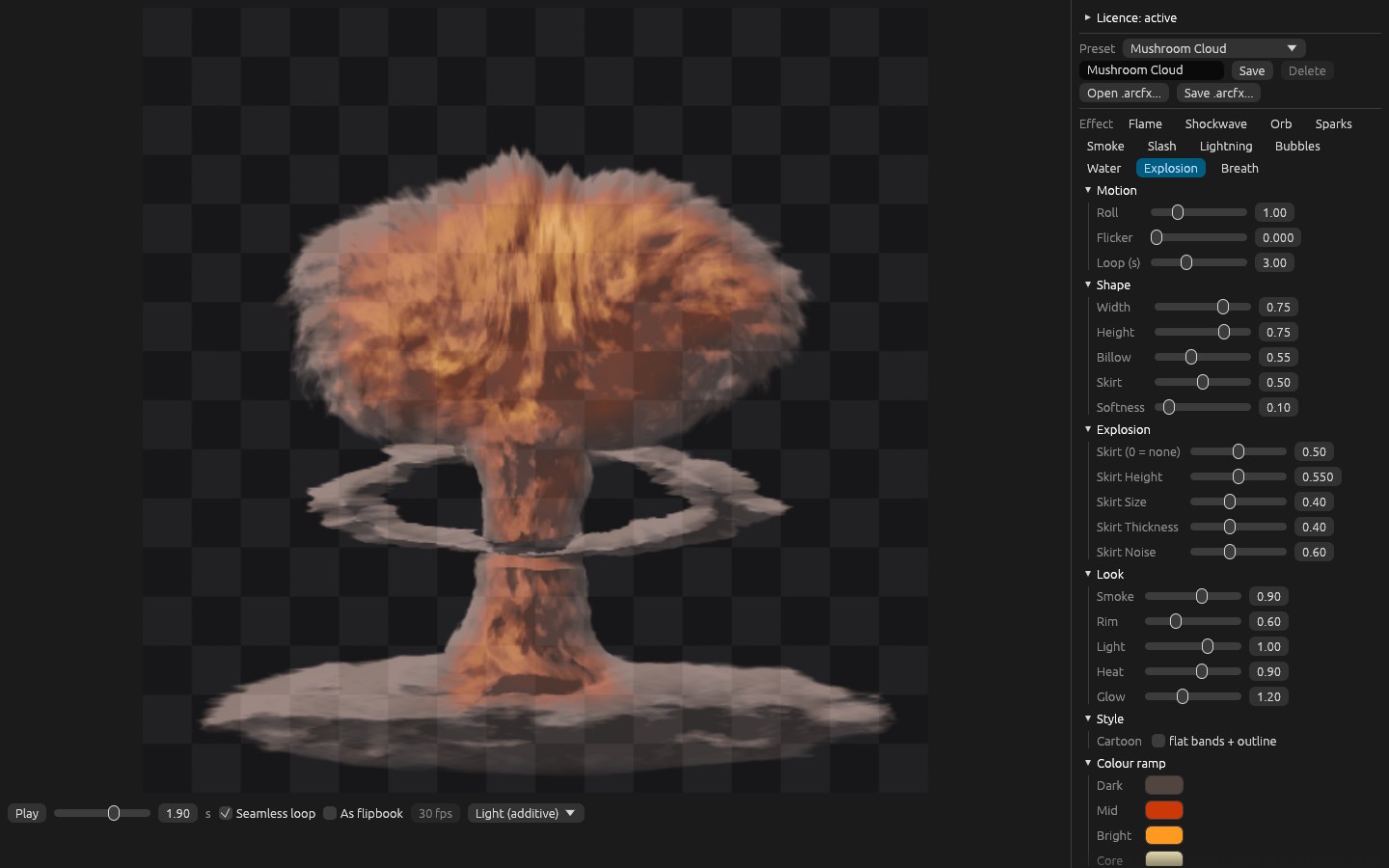
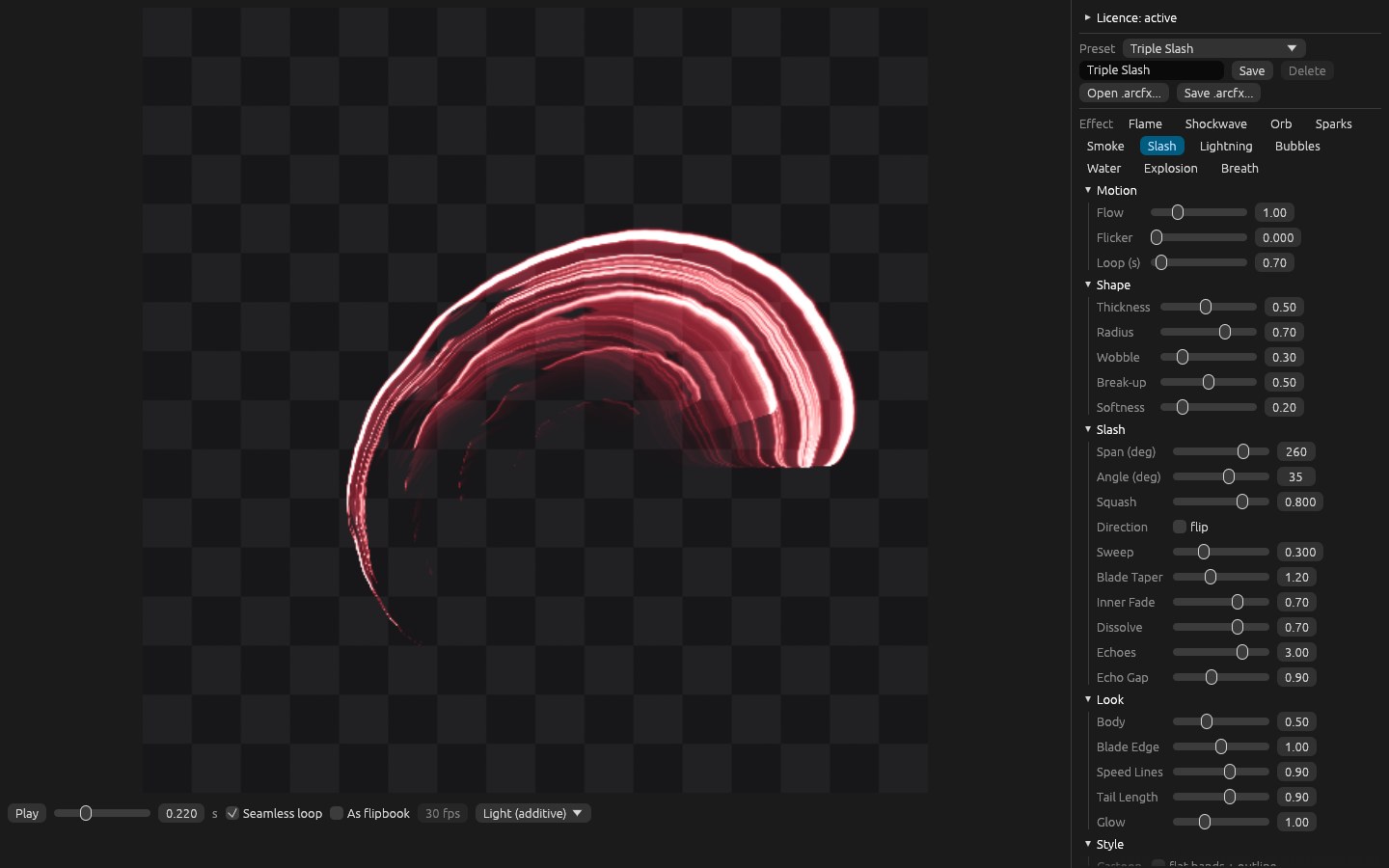
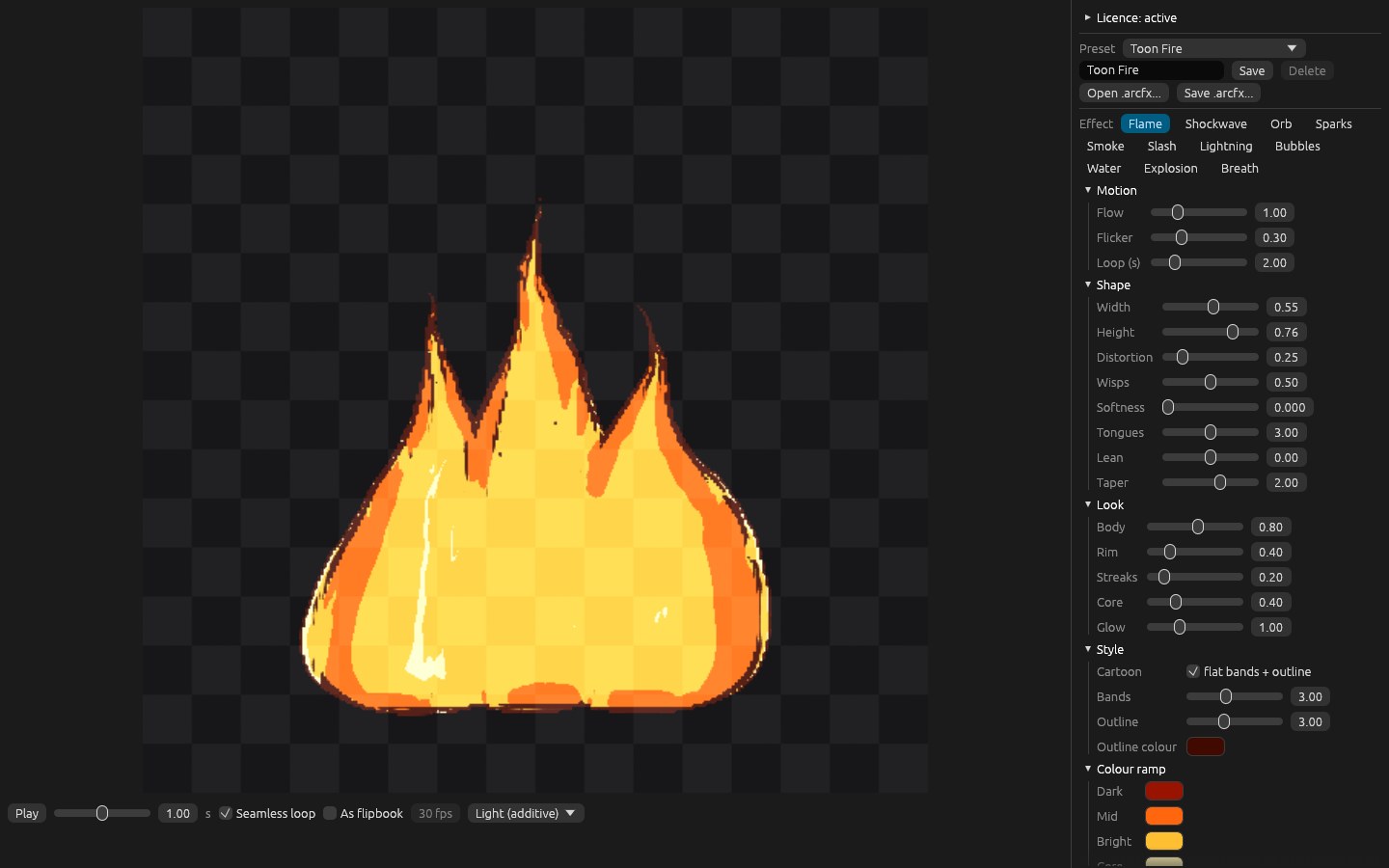
Multi-tongue flames, dragon breath, a mushroom cloud with lit smoke, shockwave, orb, sparks, smoke, slash, lightning, bubbles and a water splash.
Live in Roblox Studio
With the Arctecto VFX plugin, the texture reaches Studio while you move the controls. No saving and uploading a file for every try.
Flipbooks the Roblox way
Exactly 1024 by 1024, a 2×2, 4×4 or 8×8 grid, a seamless loop and the frame rate worked out for the emitter.
Cartoon on any effect
Flat colour bands and an outline of constant width, from 4×4 to 8×8.
An honest preview
Flipbook mode shows each frame at the real resolution it will have in the game, before you export.
Your looks in a file
Save as .arcfx, open it again later and build your own preset library.
Ribbons around the character
New in 0.2: the Mesh tab wraps the effect on a spiral, ring or curved ribbon around an R15, with spin, scroll and twist, and sends the finished mesh to Studio. The plugin uploads the ribbon and its frames as assets and it plays in the game, spinning with its flipbook running.
How it works
Pick and tweak
Start from one of 17 presets and work the shape, motion, light and colour.
See it in Studio
Turn on Live: the plugin puts the texture on the effect while you tweak.
Export
Save the 1024 atlas or upload it as an asset through the plugin, ready for the emitter.
One payment
A lifetime licence for one computer with a year of updates. After that, another year of updates is US$ 7 (R$ 37), and the version you have keeps working for good. Your key reaches the purchase email as soon as the payment clears. Charged in Brazilian reais by card or Pix; checkout in US dollars is coming soon.
Try it before you buy. Without a licence the VFX Lab opens in full: every effect and control works. Exports carry a watermark and sending to Studio is off.
Installing on Windows: the program is not digitally signed yet, so Windows may show a warning. Click More info, then Run anyway.
Installing the plugin: put ArctectoVFX.lua in %LOCALAPPDATA%\Roblox\Plugins and reopen Studio. To upload ribbons for the game, turn on CreateAssetAsync Luau API under File > Beta Features.